 Clinch
Hold to speak
Describe the customer, outcome, objections, commitment, and follow-up in your own words.
Voice sales notes
Clinch turns a short spoken update into a useful sales record: what happened, what is now true, and what you need to do next.
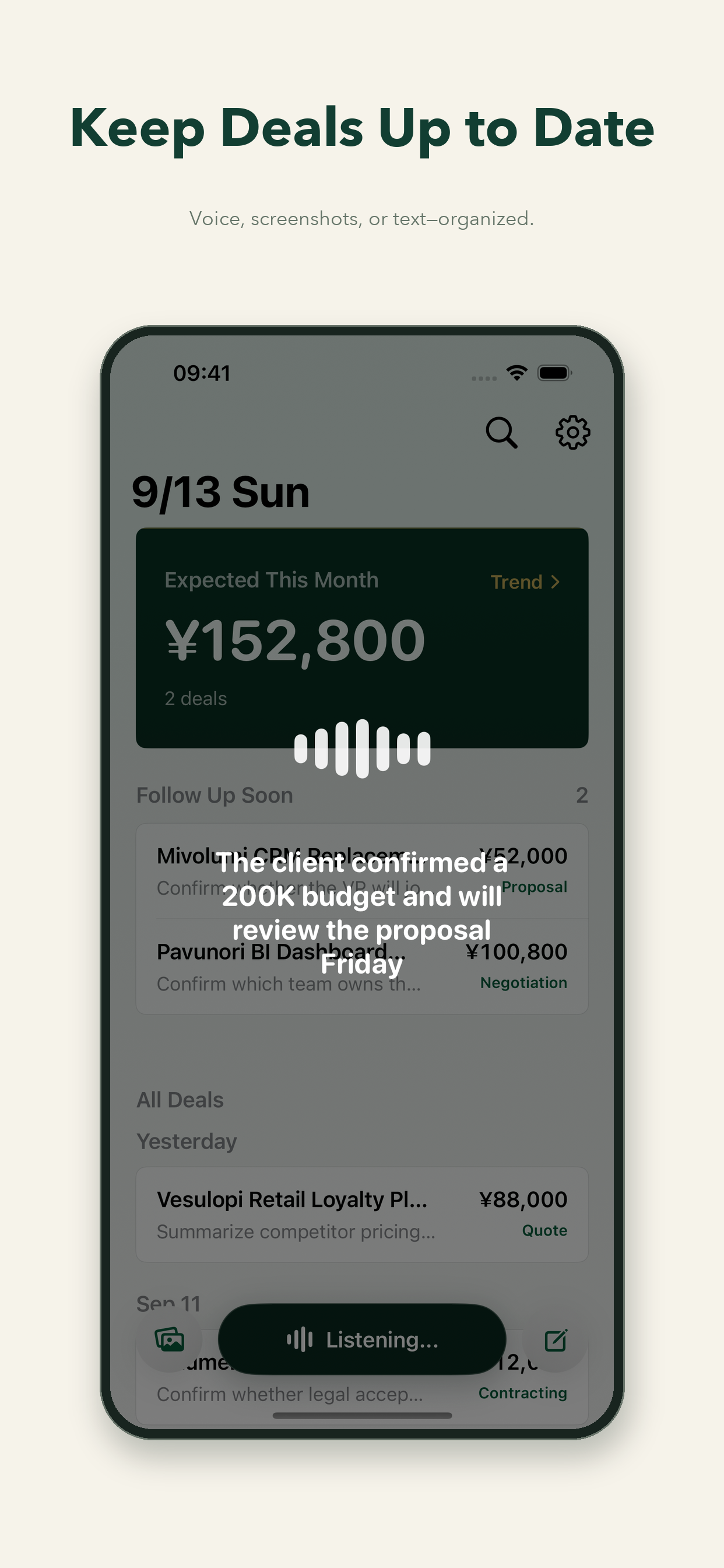
A fast post-call habit
Describe the customer, outcome, objections, commitment, and follow-up in your own words.
Clinch matches the deal and separates activity, current facts, and the future action.
Confirm the result, then rely on the next action and reminder instead of memory.
The best time to record a customer interaction is immediately after it happens, while the language, hesitation, and commitments are still fresh. Typing a polished note adds friction at exactly the wrong moment. A short voice capture preserves more context with less effort.
A transcript repeats the conversation. A sales record should help with the next decision. Clinch extracts current deal facts, writes a concise activity entry, and preserves one primary next action. If the user provides an exact time, it remains exact; if only a date is provided, the reminder uses 09:00 in the user's local time. Without a reliable time, the action can remain unscheduled.
Clinch processes only the text, image, or audio the user actively submits. It does not automatically read calls, chats, or system audio. This keeps the capture boundary understandable and under the seller's control.
An illustrative post-call note
“I just spoke with Alex at Northstar. They want a revised quote. Send it on Wednesday at 10 a.m. and ask whether procurement needs another review.”
This is an example, not a promise that every recording is interpreted without review.
The conversation and request for a revised quote are preserved in the deal history.
The customer's procurement question can inform the deal record without turning an open question into a confirmed fact.
The primary action is to send the quote; Wednesday at 10 a.m. is preserved as the reminder time in the user's local context.
The deal view keeps the activity, current conclusions, and next action in different places. A later call can add a new activity and change the action without erasing the earlier context.
If Clinch cannot reliably identify the deal or the action, it can ask a short clarifying question. You can correct the result through the same capture flow.
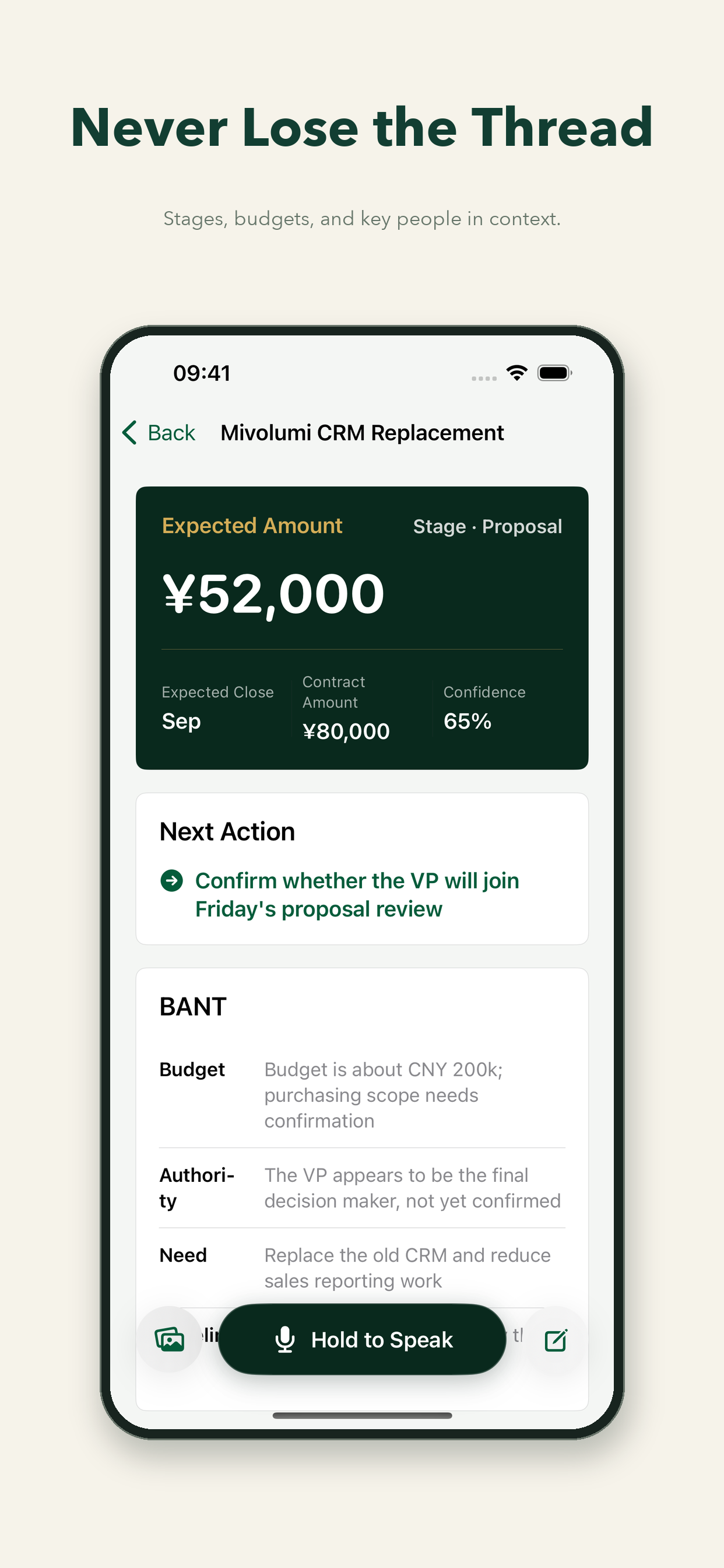
Yes. Hold the voice button, describe the interaction in your own words, and review the structured result Clinch prepares.
No. You start each capture yourself. Clinch does not automatically listen to phone calls, chats, or system audio.
Yes, when a next action has a usable time. An exact time is kept; a date without a time uses 09:00 locally. An action without a reliable time can stay unscheduled.
A few spoken seconds can preserve the next move.